

Canva
About Canva
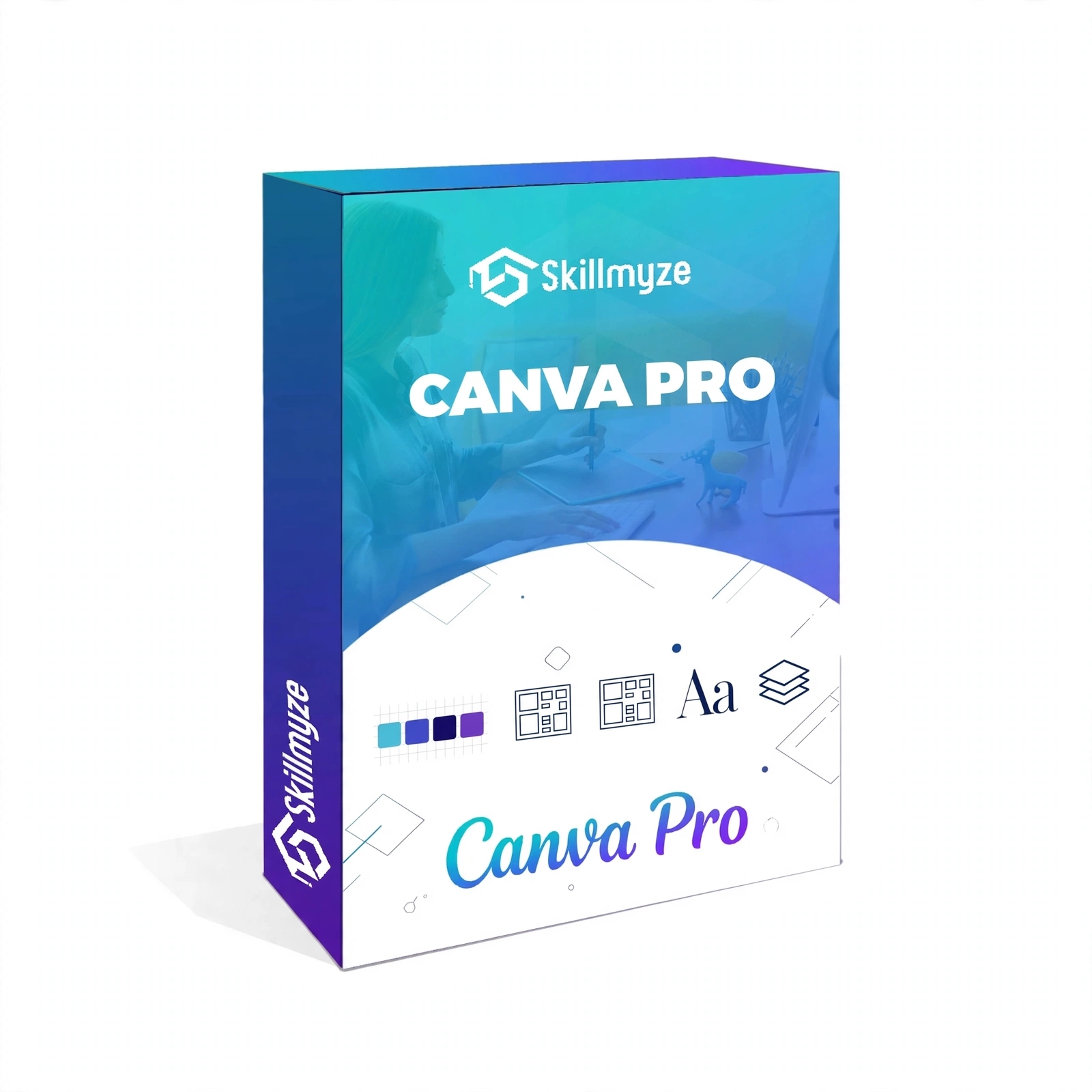
Unlock your creativity with Skillmyze’s Canva Mastery Course, designed to help beginners, students, content creators, entrepreneurs, and aspiring freelancers develop practical graphic design skills.
Learn how to use Canva’s powerful design tools to create attractive visual content without requiring prior graphic design experience.
What You Will Learn
- Introduction to Canva: Understand the platform and its features.
- Canva Tools & Features: Explore templates, elements, text, images, and editing tools.
- YouTube Thumbnail Design: Create engaging thumbnails for YouTube videos.
- Presentation Design: Build professional presentations using Canva.
- Video Creation: Learn to create and edit videos using Canva.
- Canva AI Tools: Explore AI-powered features to enhance creativity and productivity.
- Print Design: Discover Canva’s print design options and additional features.
- Common Design Mistakes: Learn what to avoid when creating visual content.
- Creative Earning Opportunities: Explore ways to apply Canva skills in freelancing, content creation, and business projects.
Who Should Enroll?
- Students and beginners
- Social media content creators
- Freelancers and aspiring designers
- Small business owners and entrepreneurs
- Digital marketers
- Anyone interested in learning graphic design
Why Choose Skillmyze?
- Beginner-friendly learning
- Practical Canva demonstrations
- Creative and business-focused skills
- Learn at your own pace
- Explore real-world applications
Start Your Creative Journey Today!
Build confidence in your design skills, create professional-looking content, and explore new creative opportunities with Skillmyze Canva Mastery.
Learn. Create. Design. Grow.
25k
Total Students105
Total Instructors2K+
Total Activities
Course Description
Start your creative journey with Canva! Learn essential design tools, create professional visual content, explore AI-powered features, and develop practical skills for personal branding, content creation, and freelancing.
Learn Canva Fundamentals
Get started with Canva, understand its interface, explore templates, and master essential design tools to build a strong creative foundation.
Create Professional Designs
Design YouTube thumbnails, engaging social media graphics, professional presentations, and creative videos using Canva.
Explore AI Tools & Creative Opportunities
Discover Canva AI features, explore print design, avoid common mistakes, and learn how to apply your creative skills to business and freelancing opportunities.
Build Practical Design Skills
Apply Your Skills & Explore Opportunities
Learn how to use your Canva skills for personal branding, business promotions, content creation, and explore potential freelancing opportunities.
Introduction of Canva
1 Hour 11 Minutes Lectures
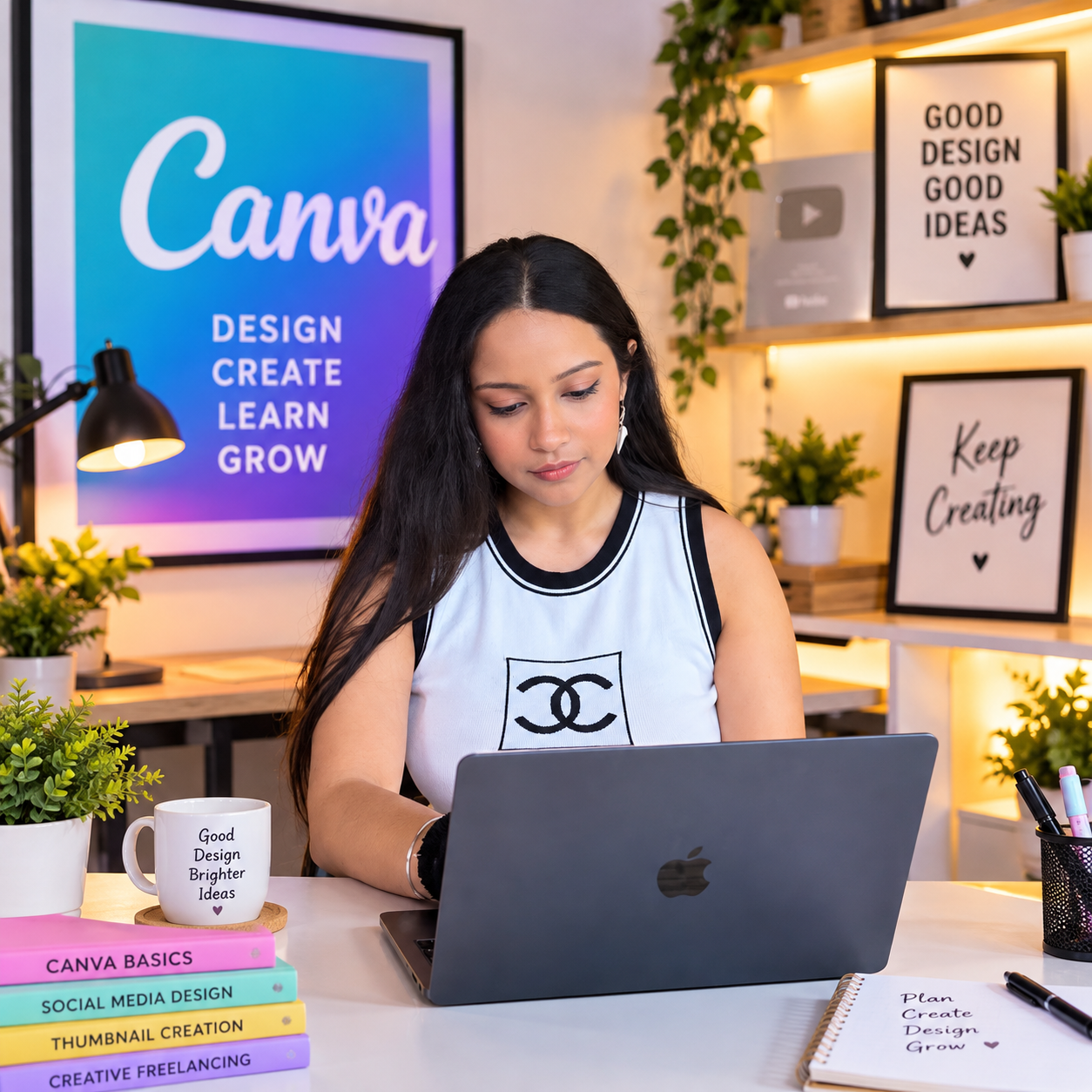
KHUSHI SHARMA
Instructor of Canva
About Instructor
Meet Your Instructor – Khushi Sharma
Khushi Sharma is a Canva & Graphic Design Instructor and the course creator of Skillmyze’s Canva Mastery Course.
She focuses on helping beginners, students, content creators, and aspiring freelancers learn creative design skills through simple explanations and practical demonstrations.
Her Canva Mastery Course covers:
- Canva tools and essential design features
- YouTube thumbnail creation
- Professional presentations
- Video creation and editing
- Canva’s AI-powered features
- Print design and creative applications
- Common design mistakes to avoid
- Opportunities to apply Canva skills in freelancing and business
Khushi’s teaching approach focuses on step-by-step learning, making it easier for students to understand design concepts and create professional-looking visual content.
Learn, Design, Create & Grow with Khushi Sharma at Skillmyze!
Our Student Reviews
(Based on todays review)